
Create your account
Sign-up takes about a minute. You start on the Free plan, without a card, and ConnectMQ creates your first broker for you.
1. Sign up
Go to app.connectmq.com/signup.
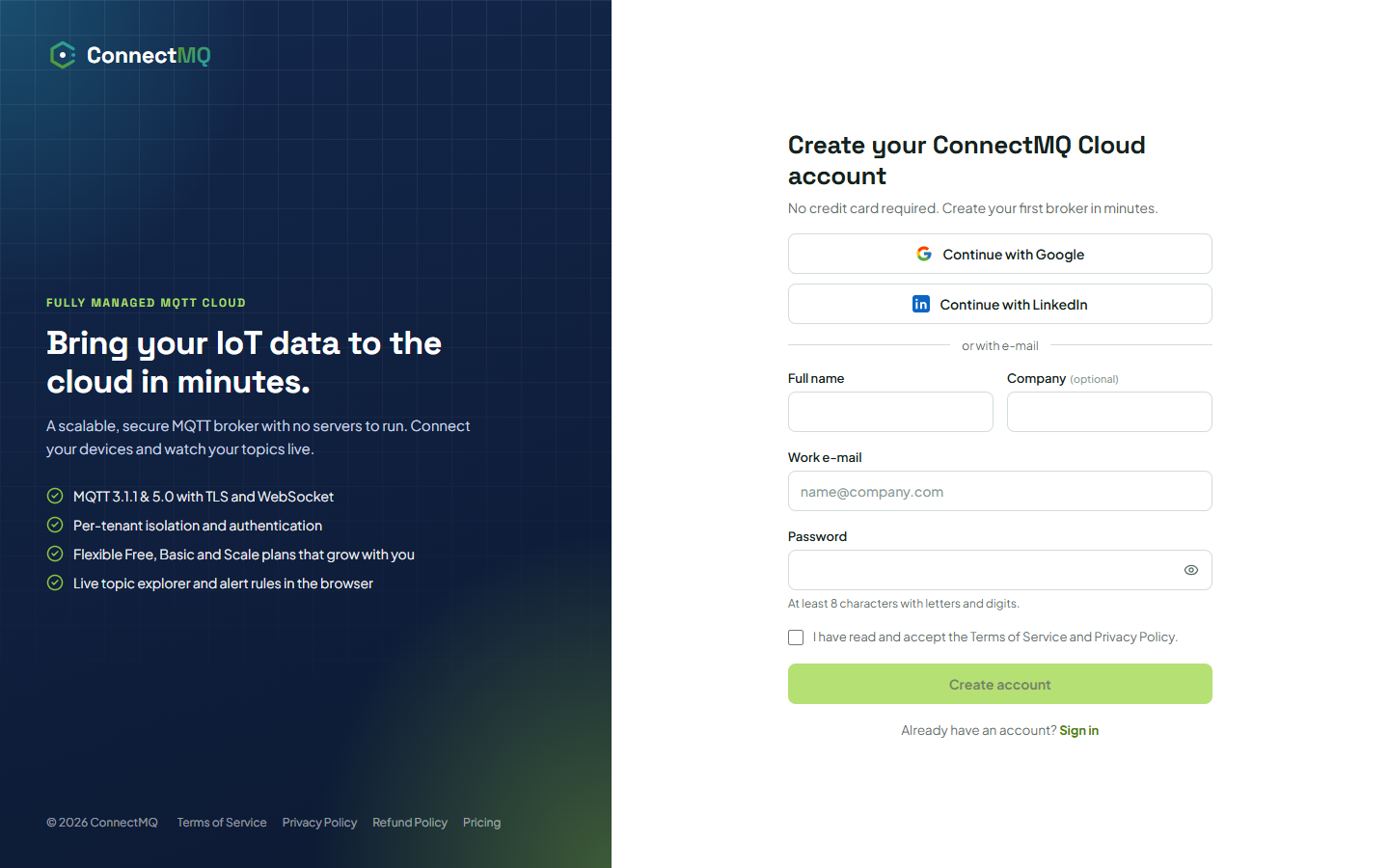
You can sign up in three ways:
- Continue with Google
- Continue with LinkedIn
- With e-mail: fill in Full name, Company (optional), Work e-mail and Password (at least 8 characters with letters and digits), tick I have read and accept the Terms of Service and Privacy Policy and click Create account.
2. Verify your e-mail
If you signed up with e-mail, ConnectMQ sends a 6-digit verification code. Type or paste it on the Verify your e-mail screen and click Verify and continue.
- The code is valid for 15 minutes. Check your spam folder if it does not arrive.
- Send a new code becomes available after a short wait.
- If you sign in before verifying, ConnectMQ sends a new code and takes you to the same screen.
Google and LinkedIn sign-ups are verified already and skip this step.
3. Choose your use case
The welcome screen (Let's create your first MQTT broker) asks What will you use ConnectMQ for?
| Use case | Typical devices |
|---|---|
| Standard MQTT | Sensor nodes, gateways, servers and apps |
| Industrial IoT | Factory machines, production lines, OEE, predictive maintenance |
| Connected Robots & Physical AI | Humanoid and mobile robots, cobots, drones, edge AI devices |
| Connected Products | Smart devices, appliances, e-mobility, in-field product data |
| Fleet & Logistics | Vehicle tracking, depots, forklifts, containers, charging |
| Energy & Utilities | Solar, wind, transformers, battery storage, smart meters |
| Data Center Monitoring | Racks, cooling, UPS, PDUs, generators, environmental sensors |
| Smart City | Street lighting, traffic, parking, air quality, waste, EV charging |
| Smart Agriculture | Soil sensors, weather stations, irrigation, greenhouses, livestock |
| Smart Home | Thermostats, lighting, locks, cameras, home automation |
| Prototyping & Education | ESP32, Arduino, Raspberry Pi, maker projects |
The choice sets the 3D scene and device types of the Digital Twin and the example topics in the Add Topic dialog. It does not limit what you can connect. Change it any time under Tenant & Billing Settings (details).
Click Continue.
4. Your broker is ready
ConnectMQ creates your broker on the Free plan and shows Your broker is ready! with:
- the MQTT host (
broker.connectmq.com) and the secure WebSocket URL, - your Client ID, Username and Password.
Copy them (or find them later on the MQTT Connection Settings page) and click Connect and view topics. The dashboard opens and the console connects to your broker.
Skipped the welcome screen?
If you clicked Later, a banner at the top says You don't have a broker yet with a Create your broker button. Click it whenever you are ready.
Signing in later
Go to app.connectmq.com/login and use the same method you signed up with.
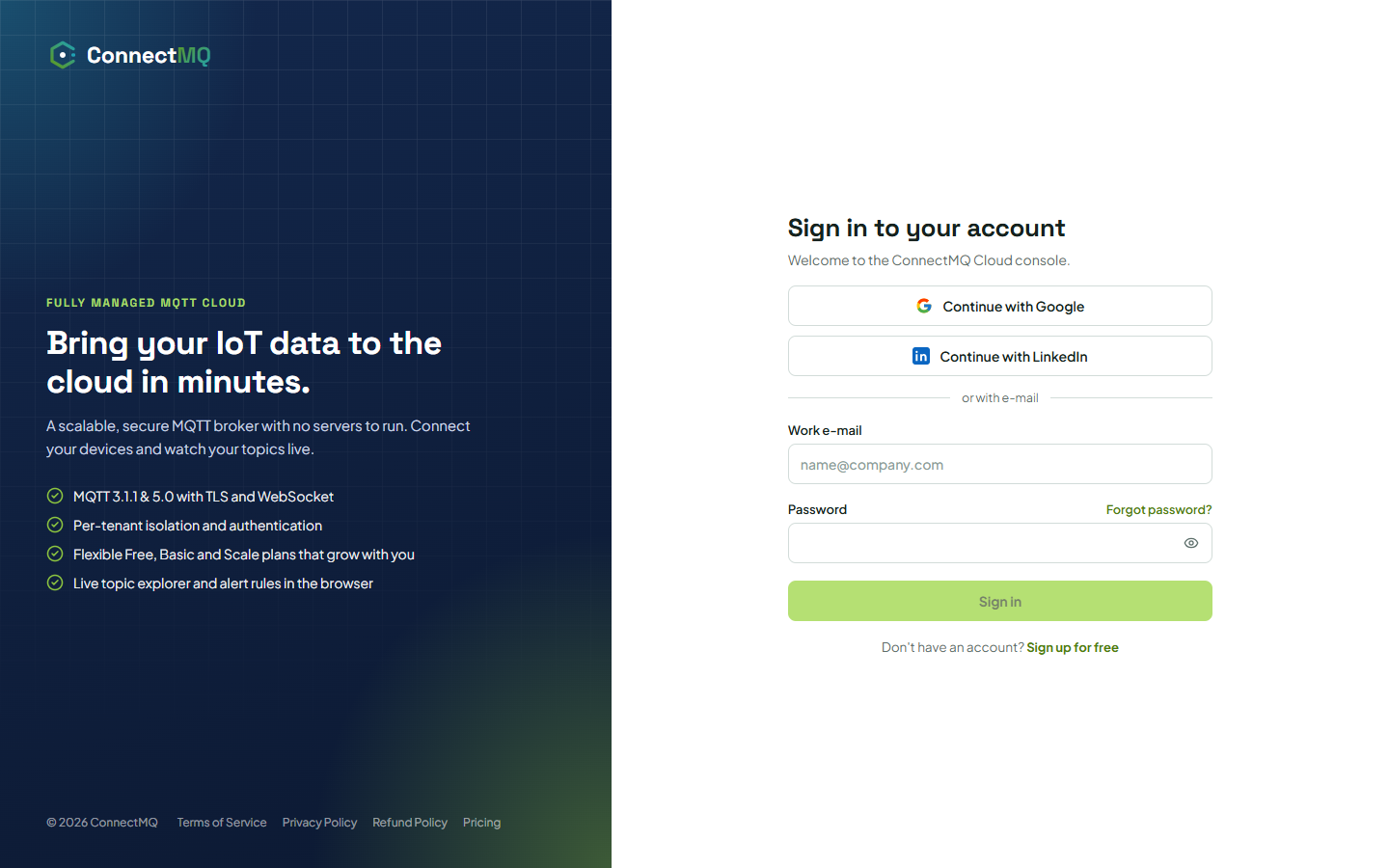
- Forgot password? sends a reset link valid for 60 minutes. Setting a new password signs you out everywhere.
- Accounts created with Google or LinkedIn can also set a password through Forgot password?, for example to sign in to ConnectMQ Edge or the Home Assistant integration with e-mail and password.
What the Free plan includes
The Free plan is a one-time trial: 10,000 session minutes, up to 5 concurrent connections, 256 KB messages and 100 MB of traffic, with the dashboard, devices, alerts and digital twin. Access control (ACL) and ConnectMQ Edge need Basic or Scale. When you need more, upgrade. Full comparison: Plans & broker limits and the pricing page.
Next: Tour of the console or connect your first device.