
Tour of the console
The console at app.connectmq.com has a top bar with the main pages, a topic tree on the left and the selected page in the middle.
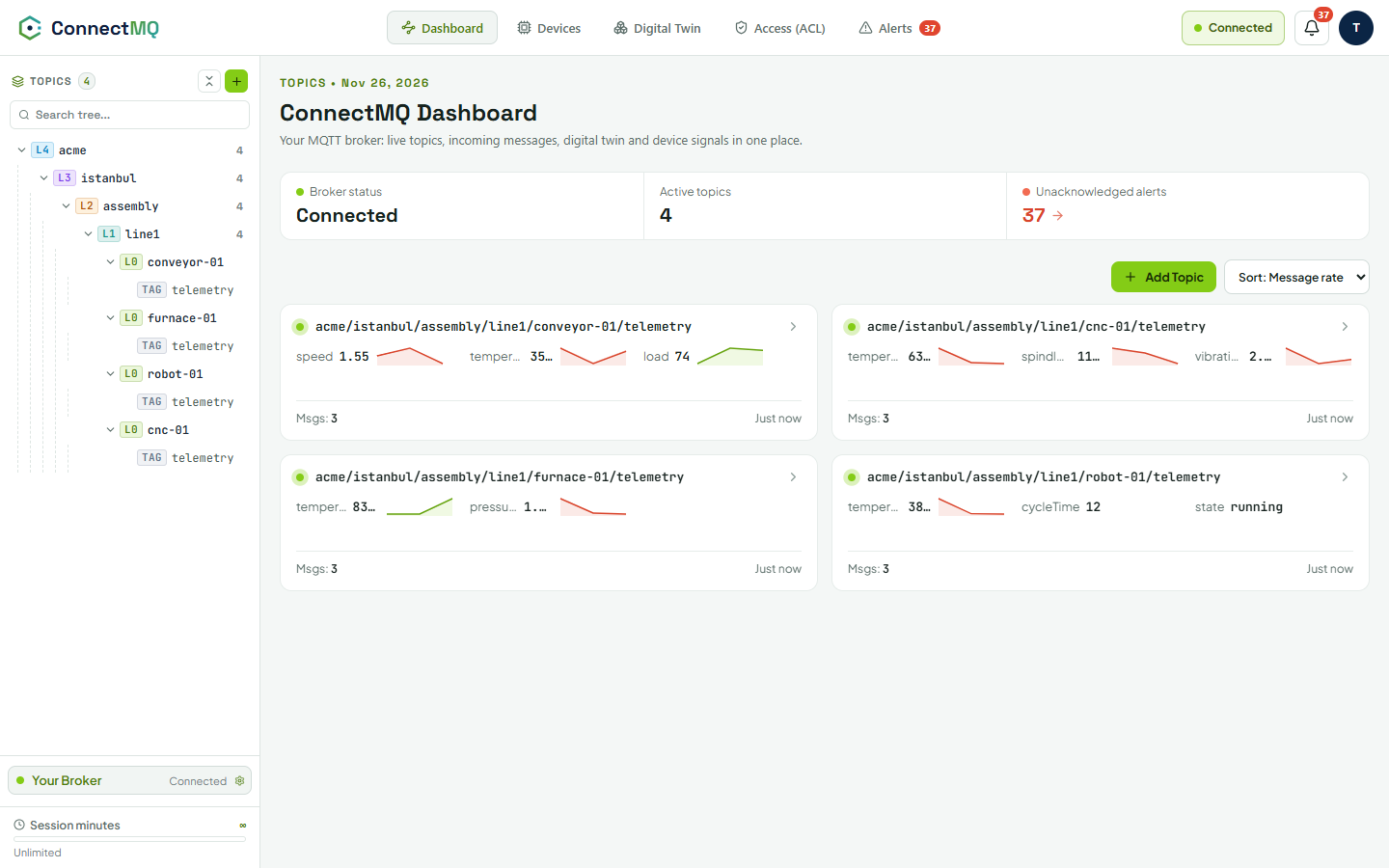
Top bar
| Item | What it does |
|---|---|
| ConnectMQ logo | Back to the dashboard. |
| Dashboard | Live cards for the topics you subscribed to. More |
| Devices | Devices found from your topic paths, plus every connected MQTT client on the Connections tab. More |
| Digital Twin | Your topics as machines in a 3D scene. More |
| Access (ACL) | Topic access rules per username and client ID. More |
| Alerts | Alerts raised by your rules and the Rules tab. The badge counts unacknowledged alerts. More |
| Connected status | Shows whether the console is connected to your broker. Hover for the address, session minutes left, monthly traffic and plan; click to open MQTT Connection Settings. |
| Bell | Unacknowledged alerts, with Acknowledge, Acknowledge All, Alert Rules and View all. |
| Avatar | The user menu (below). |
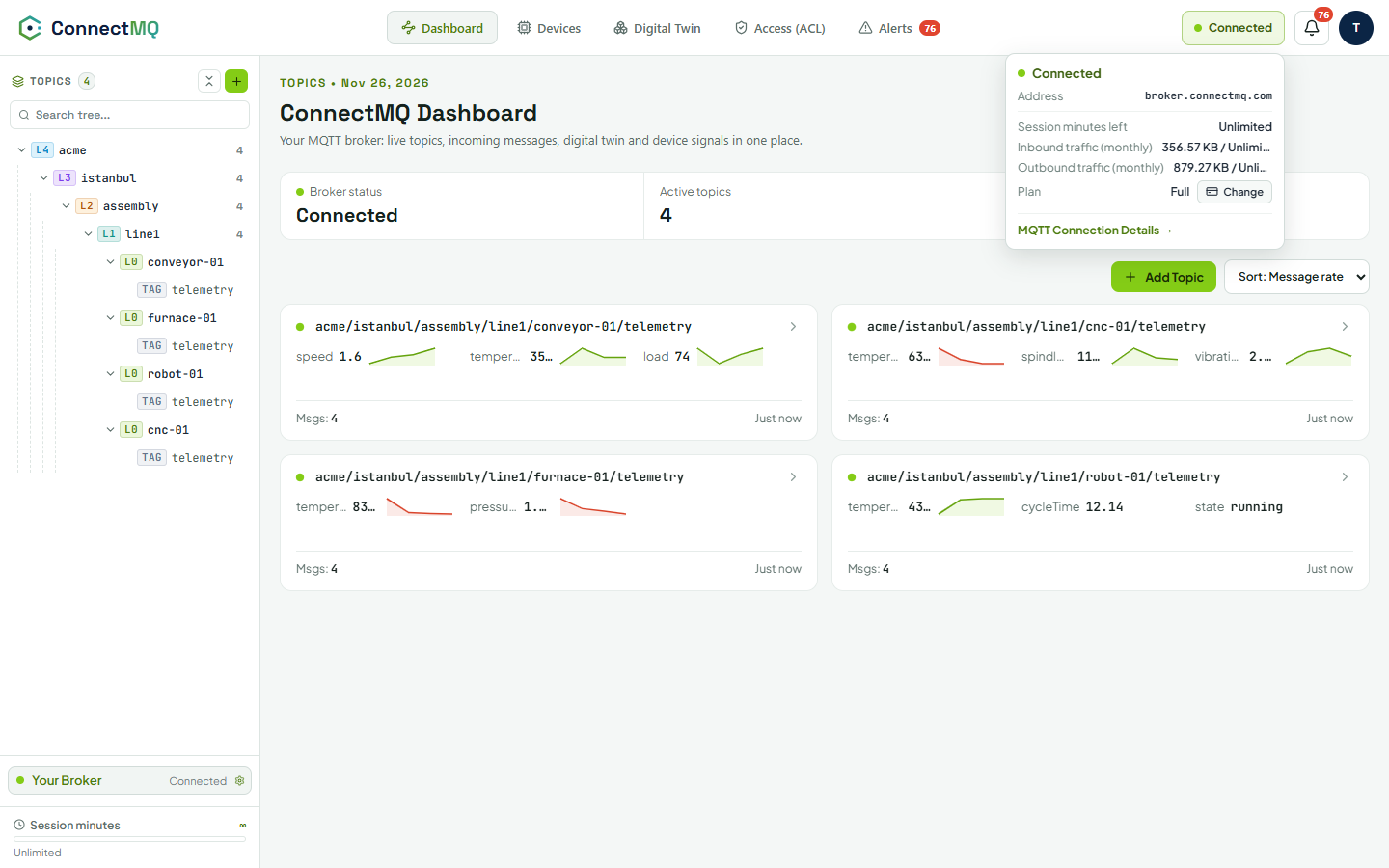
Left sidebar
- TOPICS tree: every topic your devices publish, grouped by ISA-95 level (L4 Enterprise, L3 Site, L2 Area, L1 Line, L0 Device, TAG). Click a level to see all topics under it, click a TAG to open the topic. Use Search tree... to filter and + to add a topic.
- Your Broker: the broker the console is connected to. Click it for credentials, endpoints, quota and code samples.
- Session minutes: a meter of the minutes used. Click it for the monthly (or one-time Free) quota details.
User menu
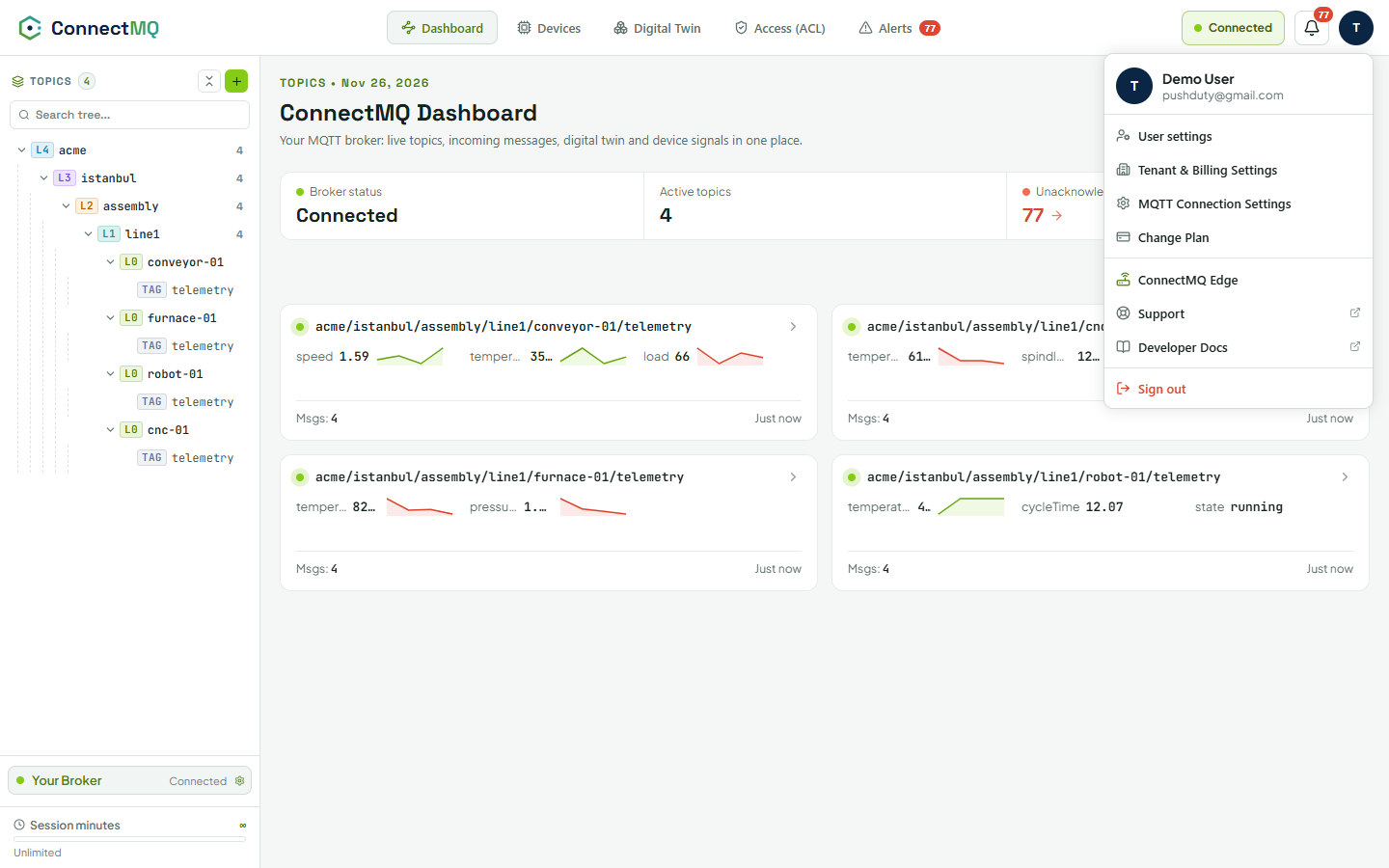
| Item | Page |
|---|---|
| User settings | Your name, company, phone, password and signed-in devices. More |
| Tenant & Billing Settings | Organization name, use case, plan, invoices, payment method, usage. More |
| MQTT Connection Settings | Credentials, endpoints, quota and code samples. More |
| Change Plan | Upgrade or downgrade (owners and admins). More |
| ConnectMQ Edge | Download the Windows gateway for PLCs and meters. More |
| Support | connectmq.com/support |
| Developer Docs | Code samples on connectmq.com. |
| Sign out | Ends this browser session. |
Roles
Each user of an organization has a role, shown under Tenant & Billing Settings:
| Role | Can do |
|---|---|
| Owner | Everything, including billing and plan changes. |
| Admin | Manage brokers, credentials, ACL, topics, devices, the digital twin layout and plans. |
| Member | View everything and work with topics and alerts; cannot change ACL, credentials, plans or tenant settings. |
On mobile
On a phone the top menu moves to a bottom bar (Dashboard, Devices, Twin, Explorer, Alerts, ACL). Explorer opens the topic tree.
The console counts as a client
While the console is open it is connected to your broker over secure WebSockets with the client ID <client ID>_web_<random>. Each open tab uses one concurrent connection and session minutes, so close tabs you do not need when you are close to your plan's limit.