
Account, team & organization
Your personal settings live under User settings; settings that apply to the whole organization (tenant) live under Tenant & Billing Settings. Both are in the user menu at the top right.
User settings
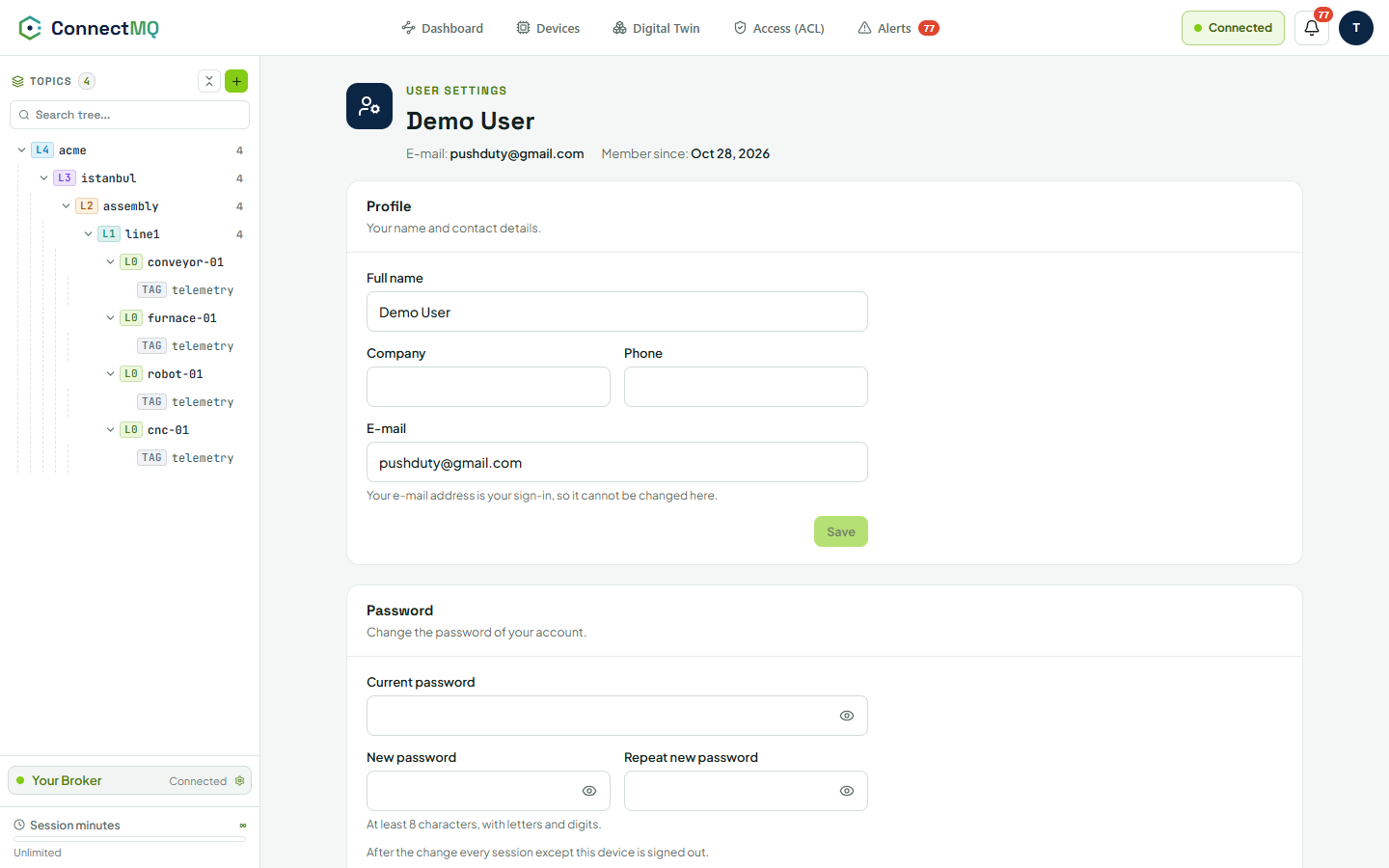
Profile
Change your Full name, Company and Phone and click Save. Your E-mail is your sign-in and cannot be changed here.
Password
Enter your Current password and a New password twice (at least 8 characters with letters and digits) and click Change password. Every other session is signed out.
Signed-in devices
Lists the browsers and devices signed in to your account with IP address and sign-in time; your current one is marked This device. Sign out ends one session, Sign out other devices ends all others. Use this if you signed in on a shared computer.
Tenant & Billing Settings
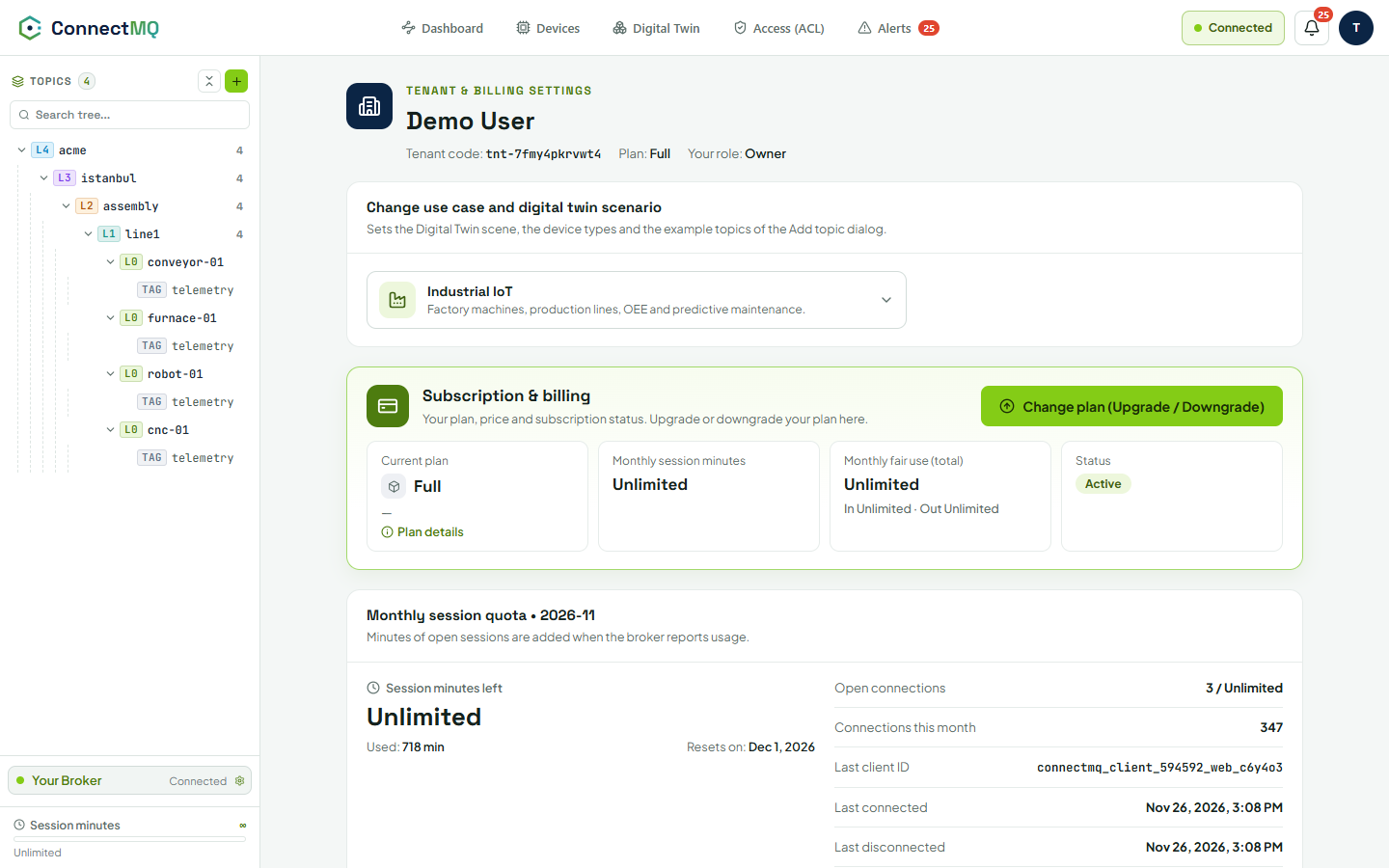
The header shows your organization's name, Tenant code, Plan and Your role.
Use case
Change use case and digital twin scenario sets the Digital Twin scene, its device types and the example topics of the Add Topic dialog. Pick a new use case and confirm with Clear and change. The digital twin's type assignments, visibility and layout are reset; your topics and messages are kept.
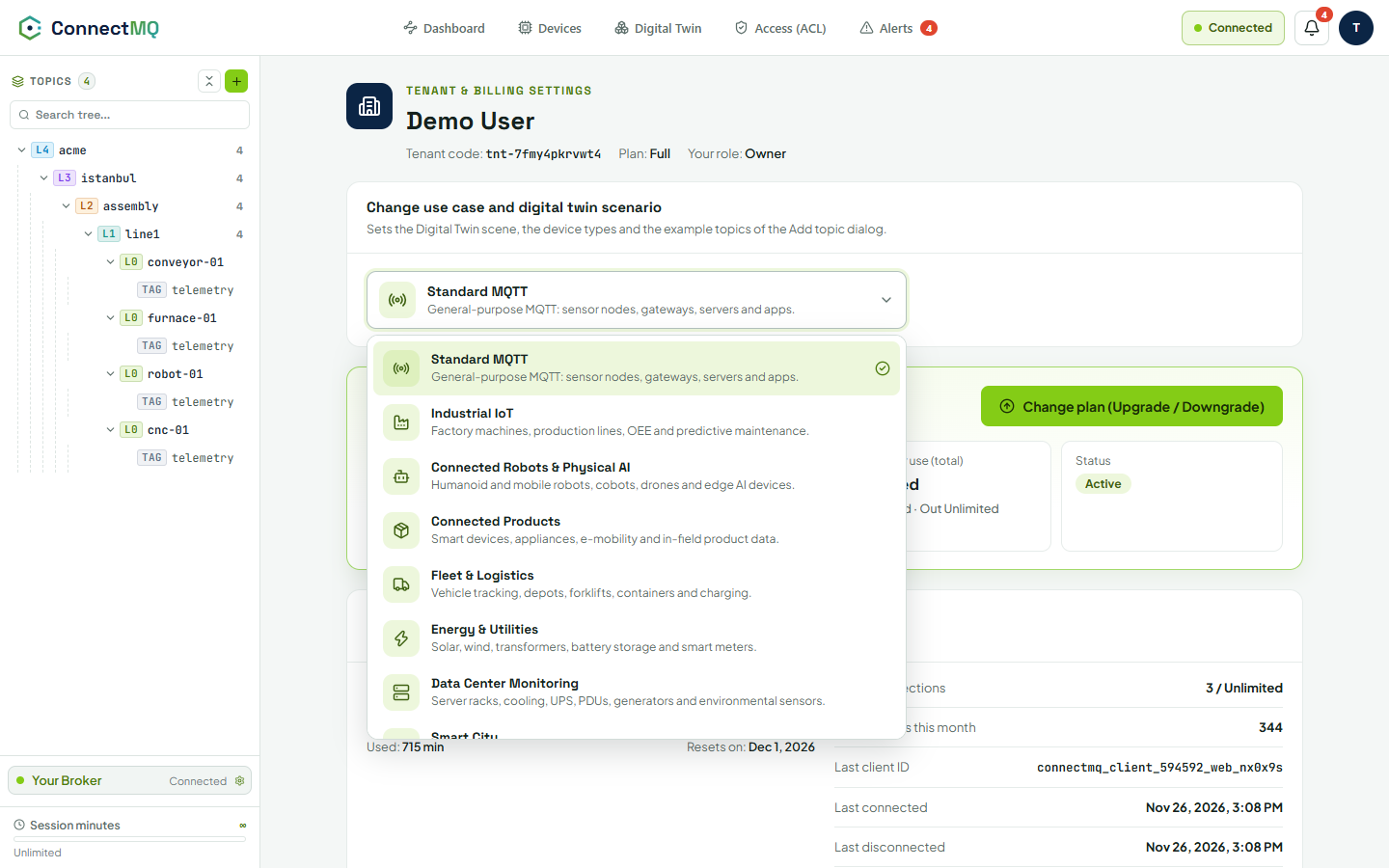
Subscription & billing
Shows the Current plan, monthly session minutes, monthly fair-use traffic and Status (for example Active, Free plan (one-time), Payment failed, Paused), plus buttons for Invoices and Change plan (Upgrade / Downgrade). Card changes, pausing, resuming and cancelling are here too. See Plans & billing.
Usage
The Monthly session quota box shows minutes left and used, open connections, connections this month, the last client ID and the last connect/disconnect times. The plan's limits are listed below.
Change tenant name
Rename your organization (2–128 characters). The tenant code, broker users and topics do not change.
Security settings
Go to access control opens the ACL page.
Roles
| Role | Typical use |
|---|---|
| Owner | The person who created the organization. Full control, including billing. |
| Admin | Manages brokers, credentials, ACL, topics, devices, the twin layout and plans. |
| Member | Views everything, works with topics and alerts; cannot change ACL, credentials, plans or tenant settings. |
Members see View only: owners and admins can change the tenant settings. To add people to your organization or change roles, contact support.